> For the complete documentation index, see [llms.txt](https://docs.oceanenterprise.io/llms.txt). Markdown versions of documentation pages are available by appending `.md` to page URLs; this page is available as [Markdown](https://docs.oceanenterprise.io/user-guides/using-the-oe-marketplace/editing-an-asset/update-the-assets-attributes-and-state.md).
# Update the asset's attributes and state
To update the asset's attributes, perform the following:
1\. From the Edit page, select the option "**Edit Asset**". You can update the following attributes:
* Title
* Description
* Sample file URL
* Tags
* Author
* Access rules
* State. Select one of the following:
* Active - the asset is consumable
* EndOfLife - the asset is not consumable
* Deprecated - the asset is not consumable
* RevokedByPublisher - the asset is not consumable
* OrderingIsTemporaryDisabled - the asset is not consumable
* Unlisted - the asset is not consumable
* License file
* Additional Asset Description
For a description of each of these attributes, please review the [Publishing an asset](/user-guides/using-the-oe-marketplace/publishing-an-asset.md) page, steps 1 and 2.
**Note**: The Asset Type (Dataset or Algorithm) cannot be changed once set.
2\. After the changes were made, click "**Submit**". A transaction request notification from Metamask appears on the screen. Press "**Confirm**".
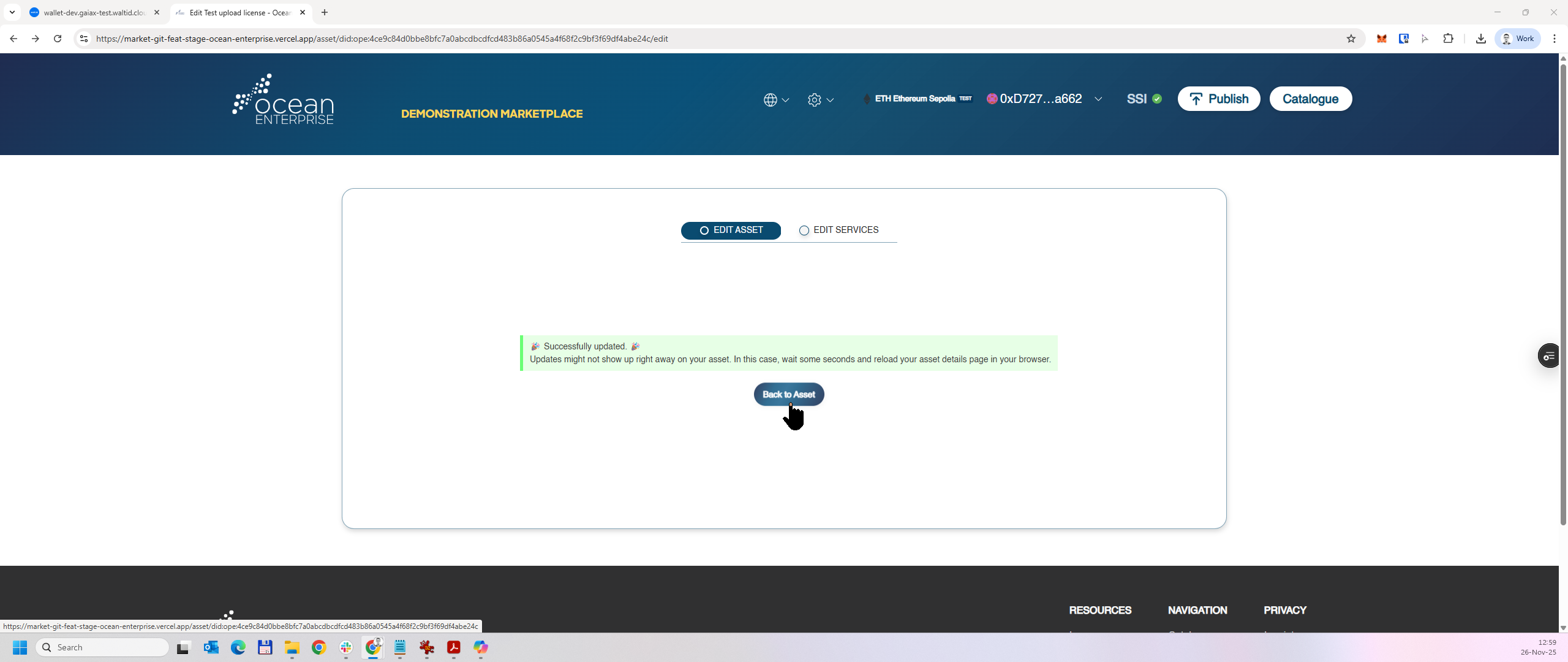
3\. A confirmation message is displayed on the screen. Click "**Back to Asset**" to return to the asset details screen.
Please note that from the time an asset is updated on the blockchain until it is indexed by the Ocean Node’s indexer, a delay may occur. This delay typically ranges from a few seconds to several minutes, depending on factors such as RPC endpoint performance, the current indexed block, and the machine’s processing capacity running the Ocean Node.